Shared Email Templates
Add To, Cc, Bcc, or Subject field content to the message body in Outlook
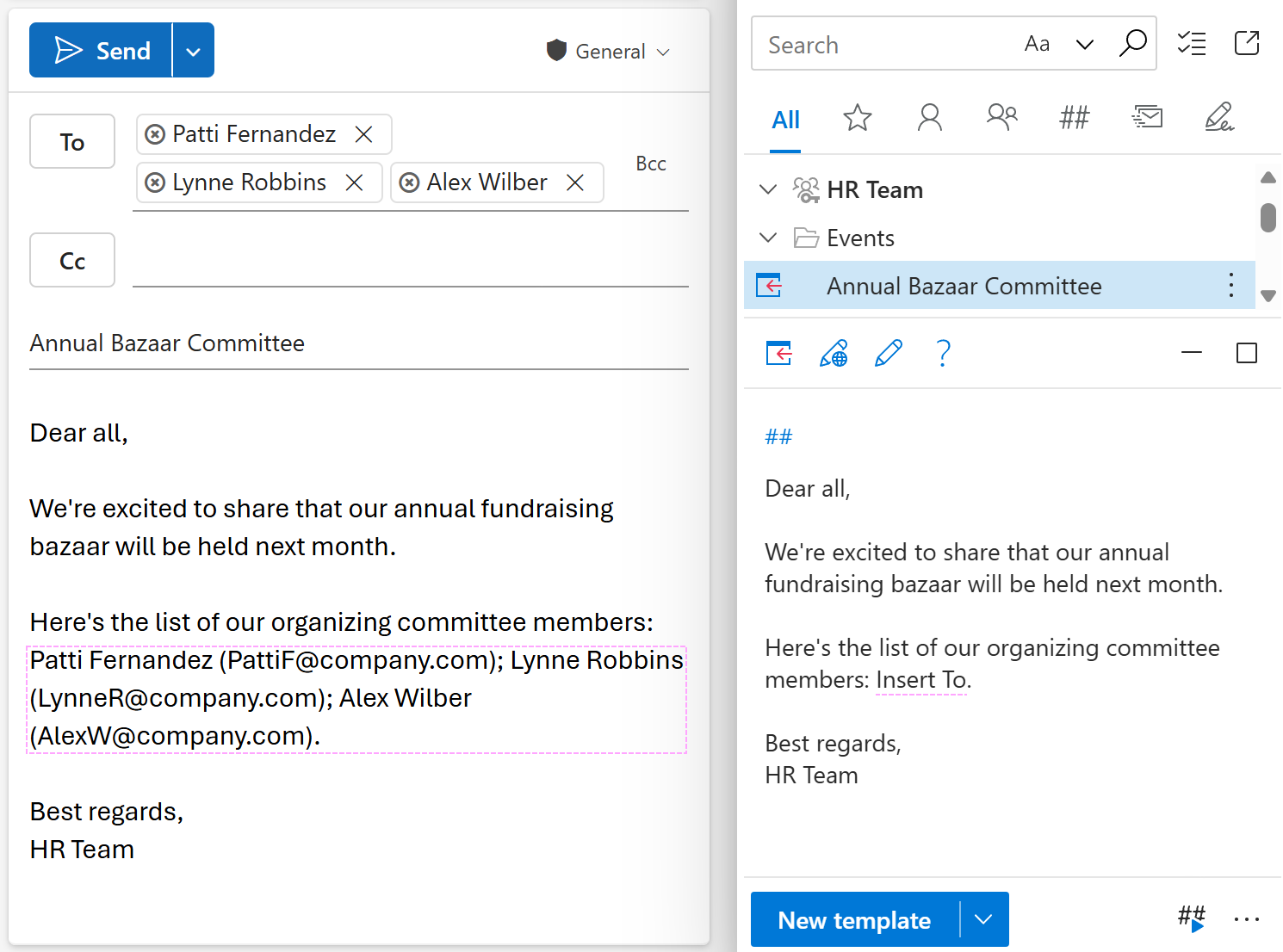
With Shared Email Templates for Microsoft Outlook, you can automatically insert the content of an email field (To, Cc, Bcc, or Subject) into the message body. Here’s how:
While creating or editing your Outlook email template, place the cursor where you want the email field content to show up.
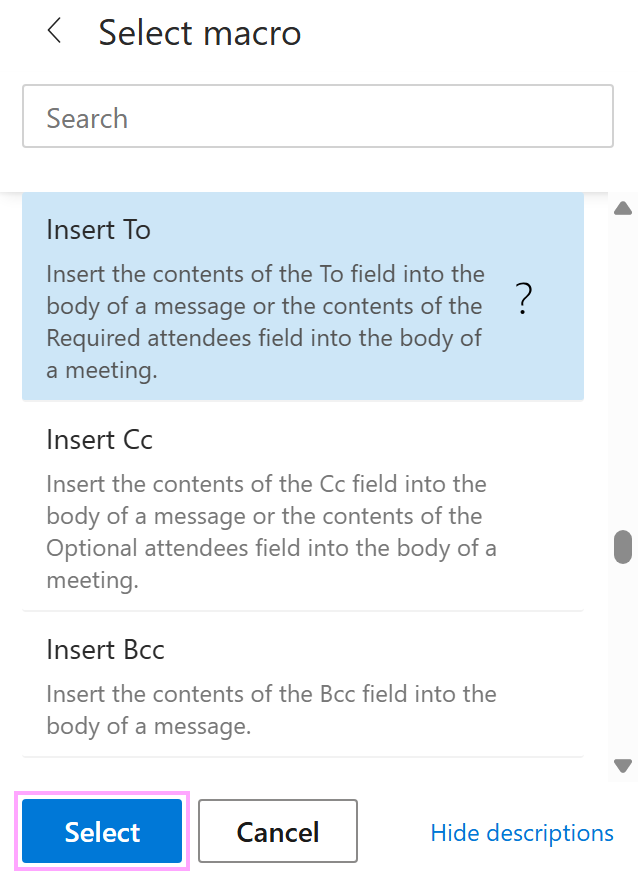
On the template editor toolbar, select the
 Insert macro button.
Decide on the email field (To, Cc, Bcc, or Subject) and select the corresponding option.
Save your template.
When you insert the message template into an Outlook email, the content of the selected email field will automatically appear in the message body.