Shared Email Templates
How to use templates for appointments and meetings in Outlook
In Outlook, start scheduling an appointment or a meeting.
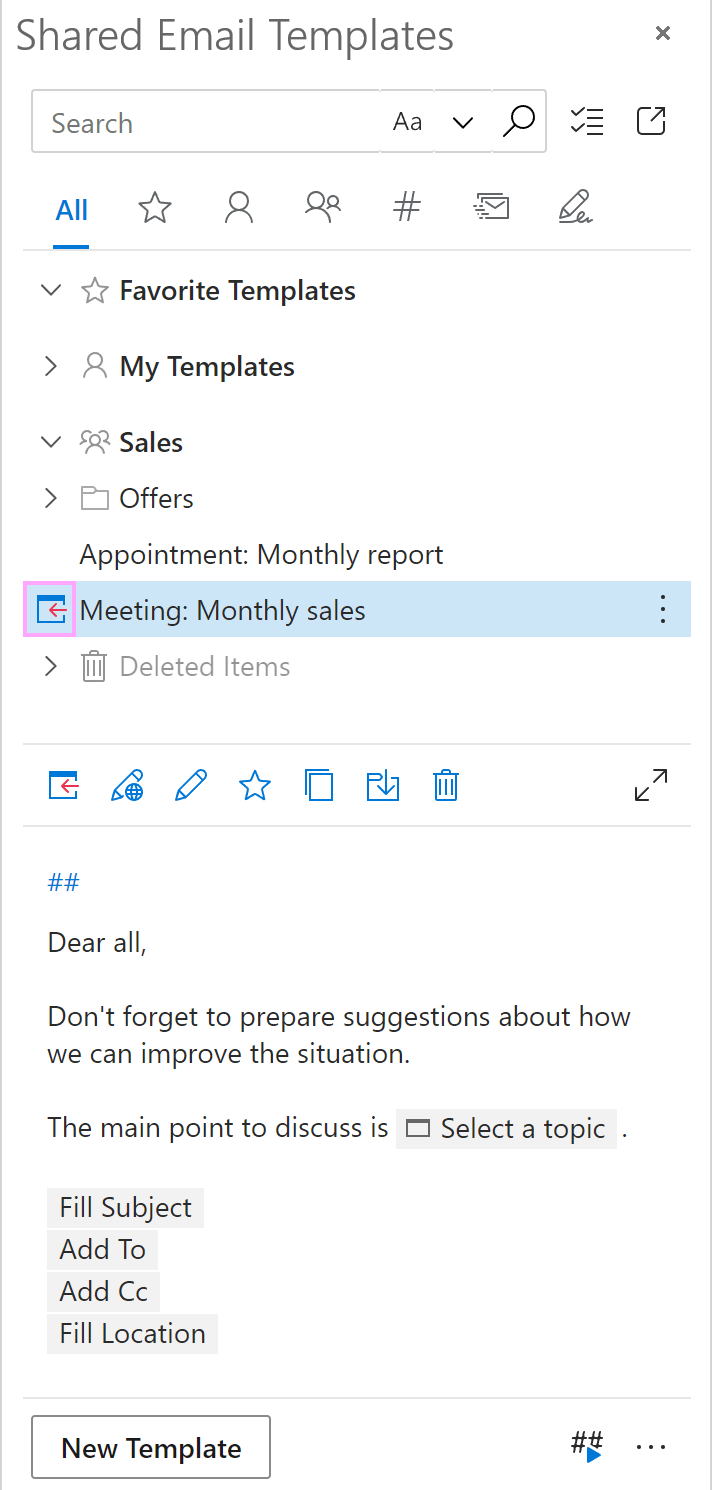
In the Shared Email Templates pane, select the template you want to use and click Insert.
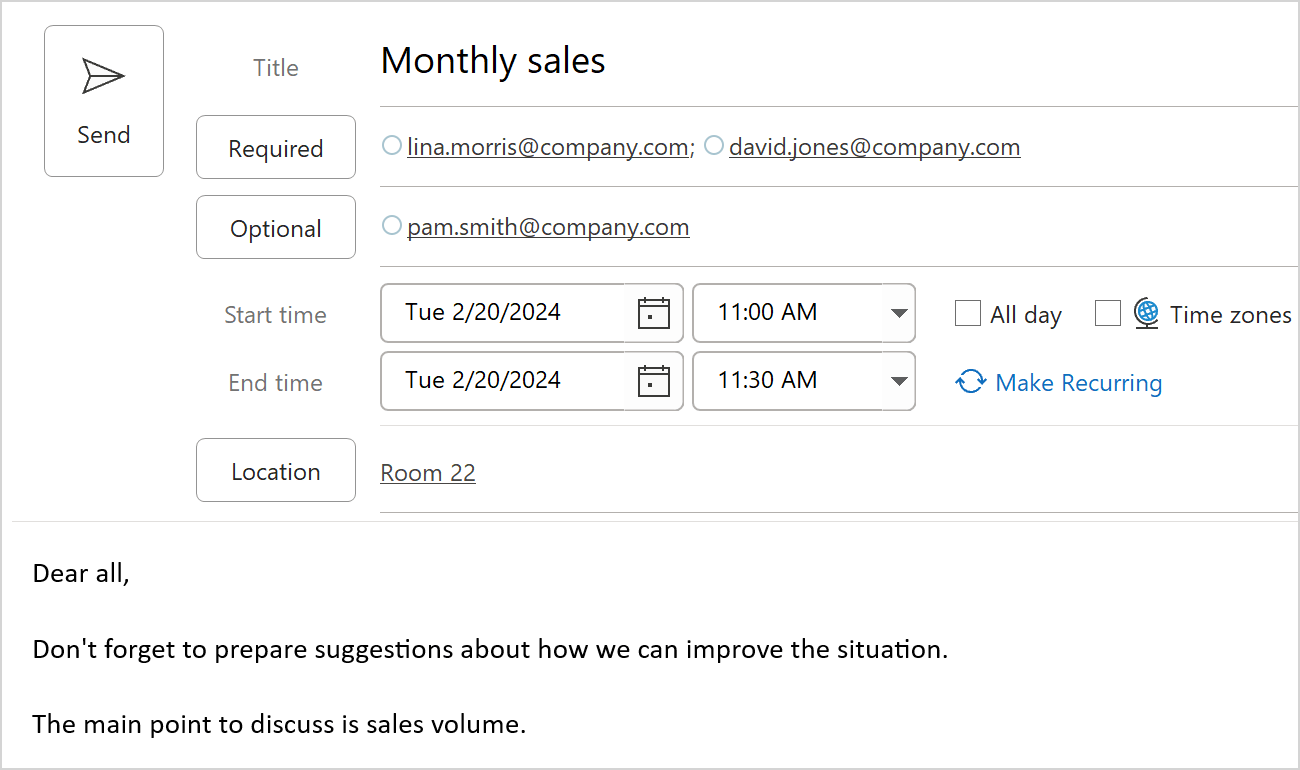
Here’s what the result might look like: