
Shared Email Templates
How to disable or enable subscription auto-renewal
If automatic renewal is set up, a subscription will automatically be renewed on the specified date. To stop a subscription from being renewed automatically, follow these steps:
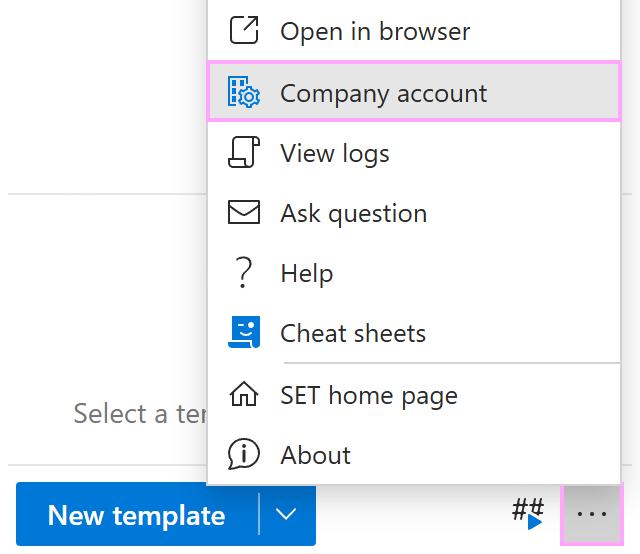
In Outlook, click the three dots in the lower-right corner of the Shared Email Templates pane. Select Company account.
In the Shared Email Templates app that will automatically open in your default browser, right-click the subscription for which you want to turn off auto-renewal, and then select Disable auto-renewal.

After disabling auto-renewal, you can always enable it again by selecting Enable auto-renewal.
