
Shared Email Templates
Buy a subscription
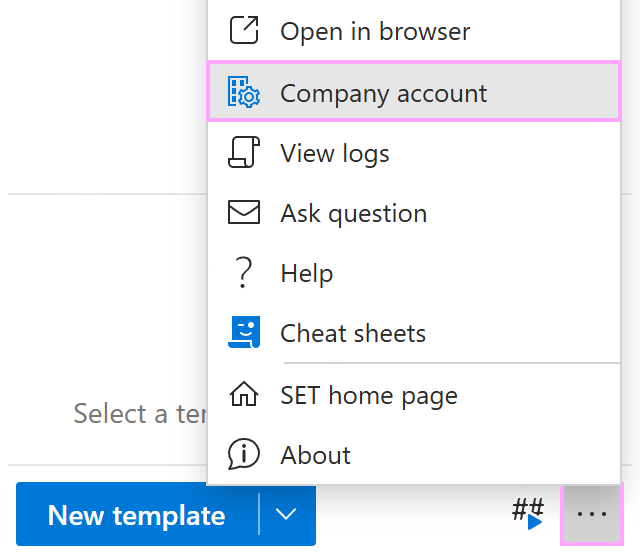
In the lower-right corner of the Shared Email Templates pane in Outlook, open the More menu and select Company account.
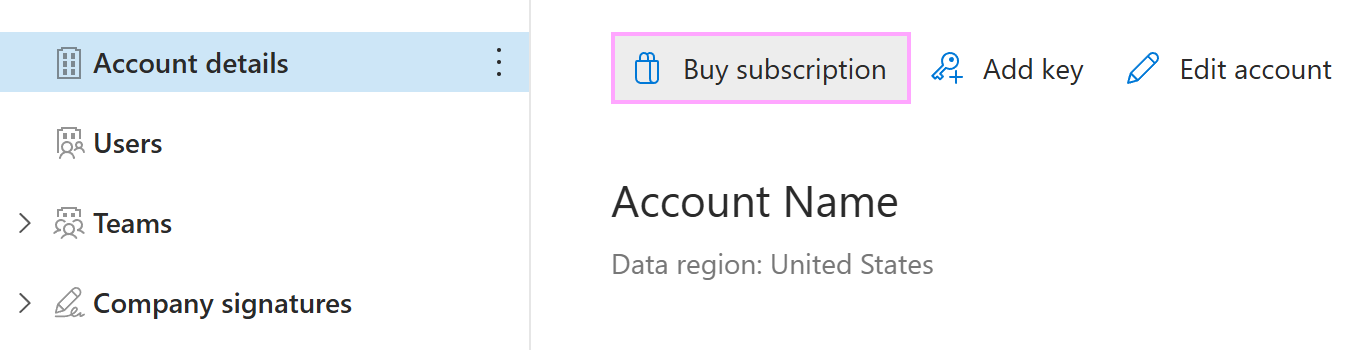
The Shared Email Templates app will open in your default browser. In the Account details section, select Buy subscription.
A webpage displaying Shared Email Templates subscription plans will open. Choose the plan you need and select Subscribe to proceed with the purchase.