Renew a subscription
In this article
Renew your subscription manually #
To manually renew your Shared Email Templates subscription, follow the steps below.
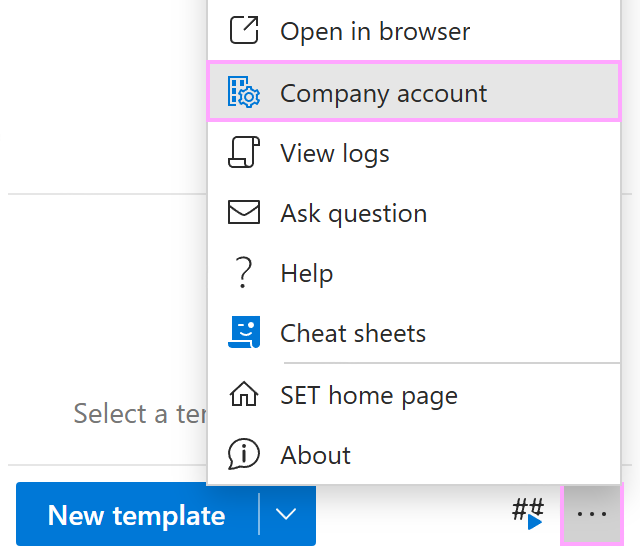
In the Shared Email Templates pane in Outlook, click the three dots in the lower-right corner to open the More menu. Then select Company account.
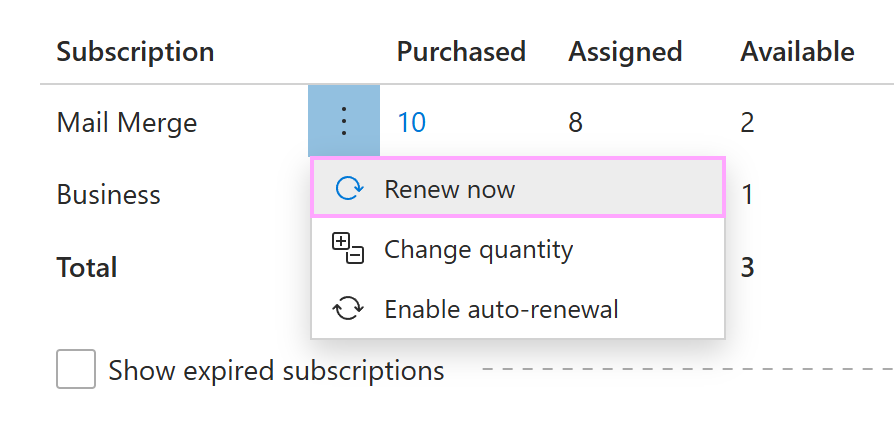
In the Account details section, right-click a subscription, and then select Renew now to proceed.
Disable or enable subscription auto-renewal #
If automatic renewal is set up, a subscription will automatically be renewed on the specified date. To stop a subscription from being renewed automatically, follow these steps:
In Outlook, click the three dots in the lower-right corner of the Shared Email Templates pane. Select Company account.
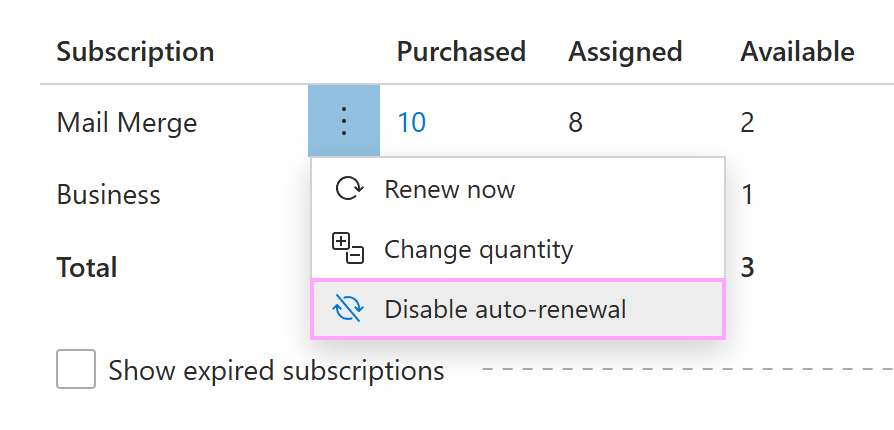
When the Shared Email Templates app opens in your default browser, right-click the subscription for which you want to turn off auto-renewal, and then select Disable auto-renewal.
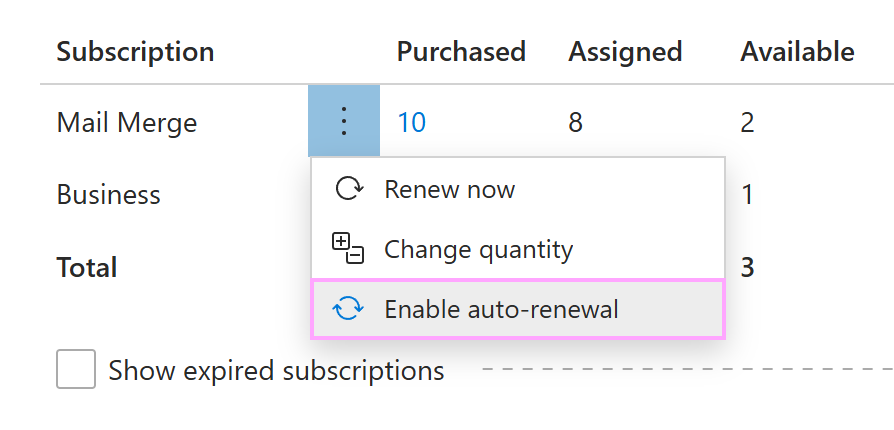
After disabling auto-renewal, you can always enable it again by selecting Enable auto-renewal.