
Shared Email Templates
How to close a team
To close a team you no longer need, follow these steps:
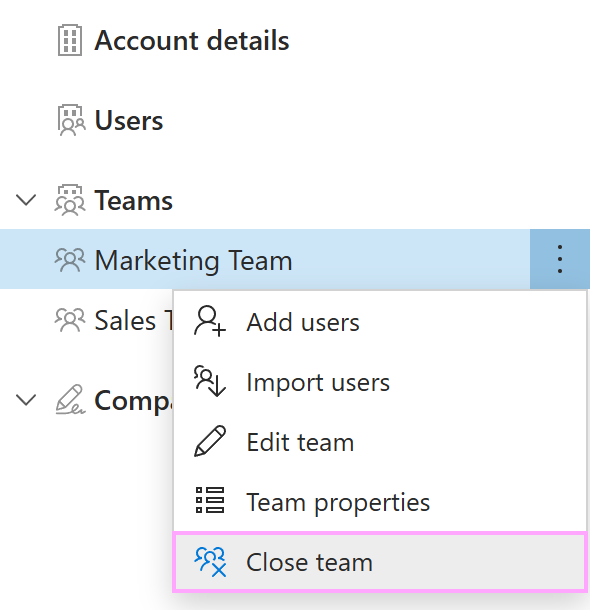
Go to Company account > Teams, right-click the team and select Close team.
Confirm the deletion by entering the team name and selecting Delete.
To close a team you no longer need, follow these steps:
Go to Company account > Teams, right-click the team and select Close team.
Confirm the deletion by entering the team name and selecting Delete.