
How to manage teams
If you’re an admin of a Shared Email Templates company account, you can create teams and manage them.
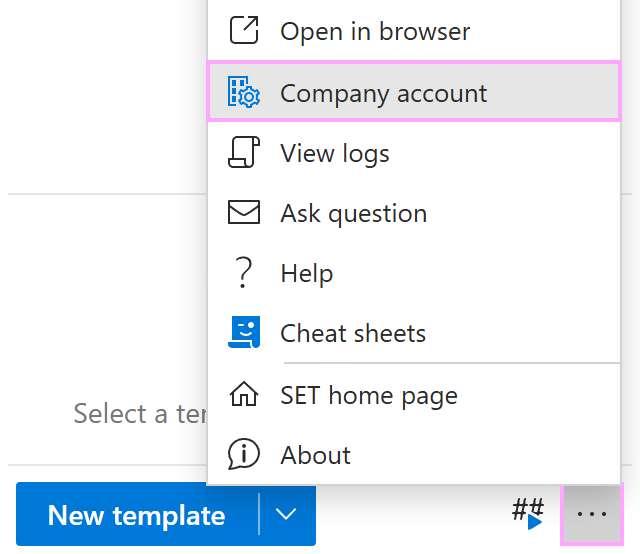
To view existing teams, open the More menu in the Shared Email Templates pane in Outlook and select Company account.
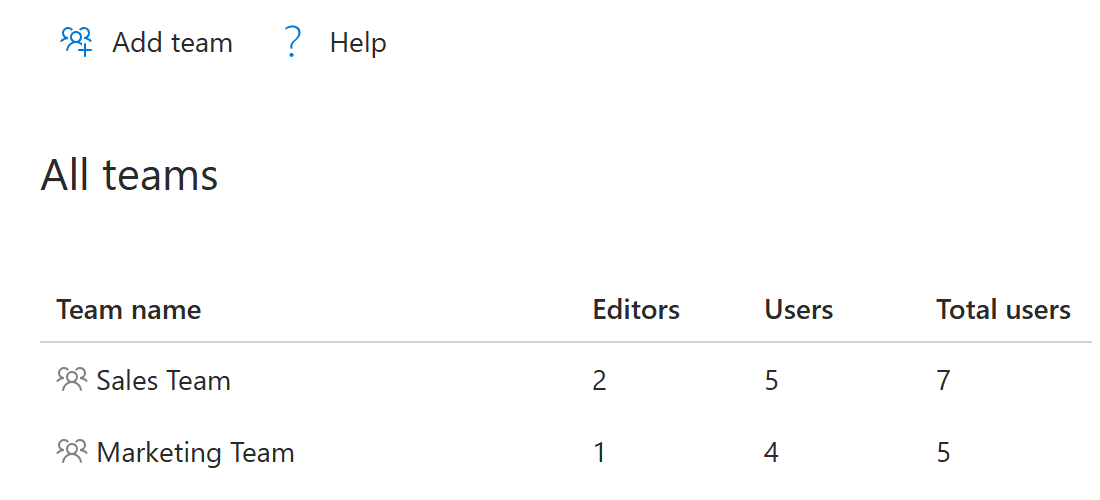
When the Shared Email Templates app opens in your default browser, go to the Teams section. There you can see all existing teams. You can also see the number of editors and read-only users, as well as the total number of members for each team.
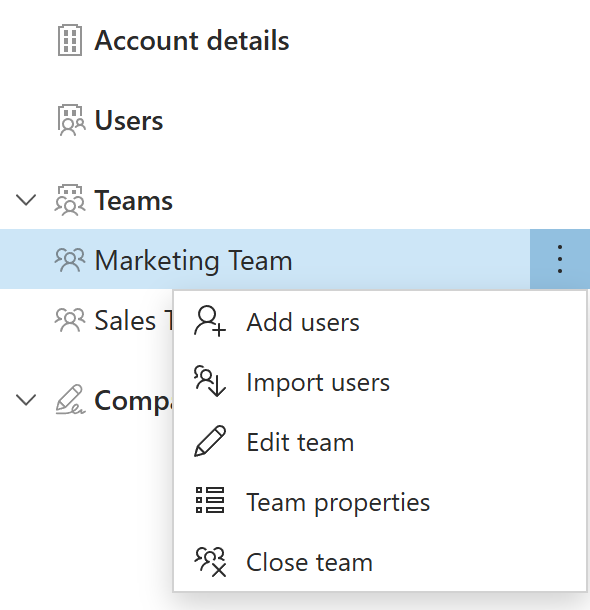
Right-click a team under Teams to add or import users, edit the team or its properties, or close the team.
In this section #
Predefined and custom team properties
Discover a team’s predefined and custom properties.Edit a team and its properties
Learn how to change a team’s name, description, and custom properties.Remove a team member
See how to remove someone from a team.Close a team
Find out how to delete a team.