Shared Email Templates
How to remove a user from a team
If you’re a Shared Email Templates company account admin and need to remove someone from a team, follow the steps below.
Go to Company account > Teams.
Select a team.
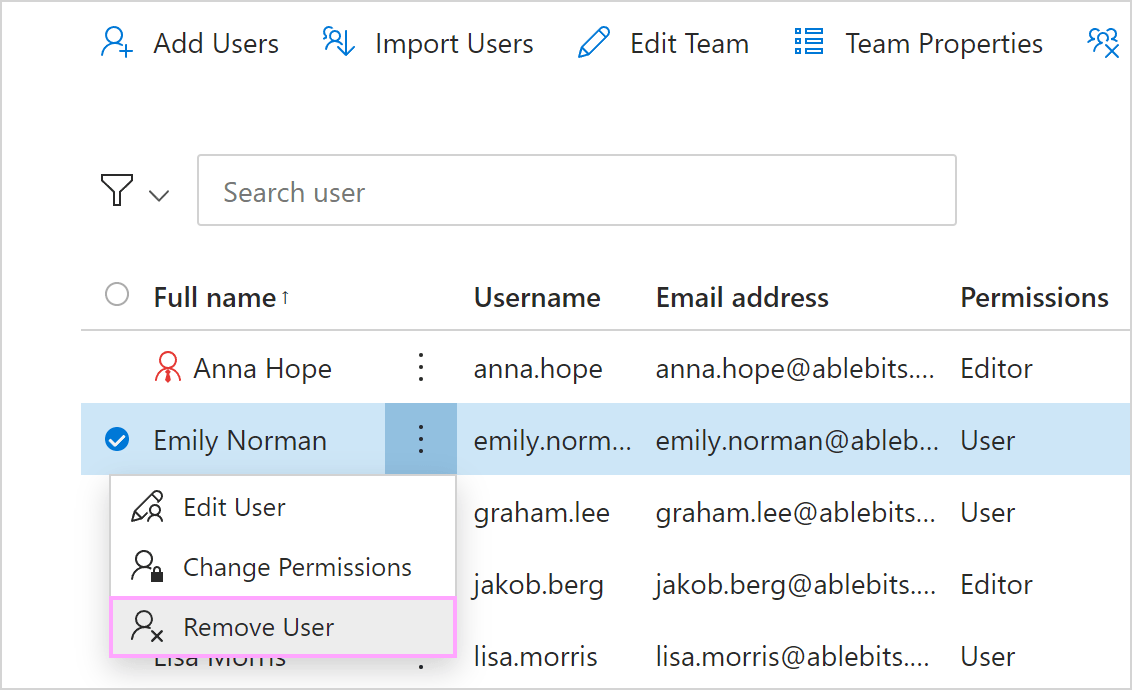
In the team list, open the More menu next to the team member’s name, and then select Remove user.