
Shared Email Templates
Export users
As a Shared Email Templates company account admin, you can export the user list as a .csv file.
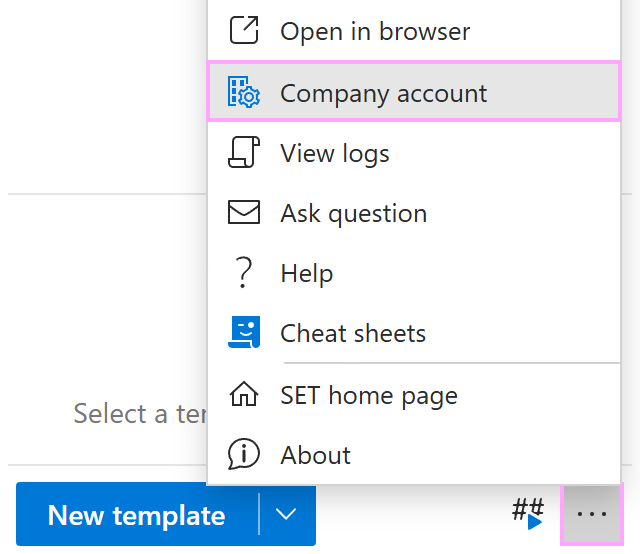
In the Shared Email Templates pane in Outlook, open the More (…) menu and select Company account.
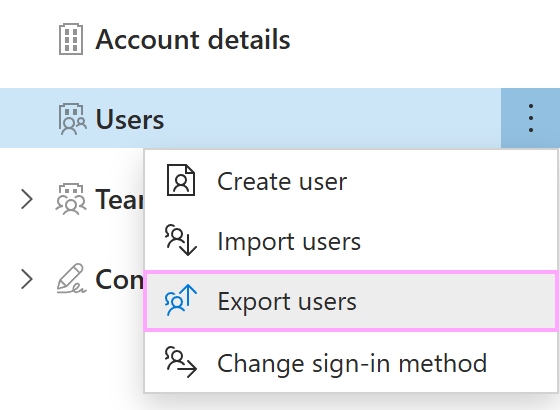
When the Shared Email Templates app opens in your default browser, right-click Users and select Export users.
A .csv file will be downloaded to your device. The file will contain the users’ email addresses, names, subscription keys, and team names.