
Shared Email Templates
Provide a user with admin rights
If you’re an admin of a Shared Email Templates company account, you can grant admin rights to any user.

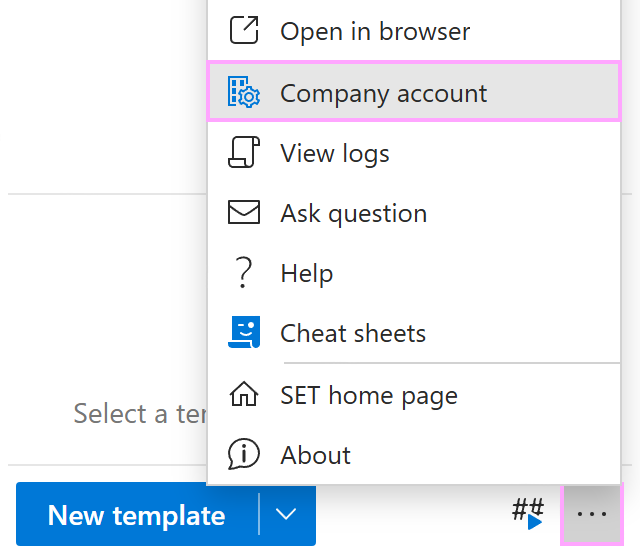
From the More (…) menu in the lower-right corner of the Shared Email Templates pane, select Company account.
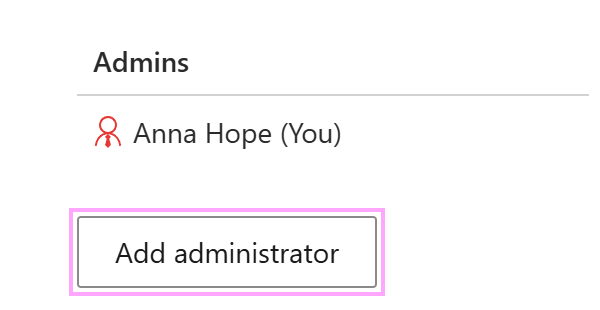
In the Shared Email Templates app, go to Account details > Admins and select Add administrator.
Select the users you want to grant admin rights to, and then select Add.