
Shared Email Templates
Hide My templates, Signatures, or Mail merge
If you’re a Shared Email Templates company account admin, you can make My templates, Signatures, and Mail merge unavailable to all or selected users. These are the steps to follow:
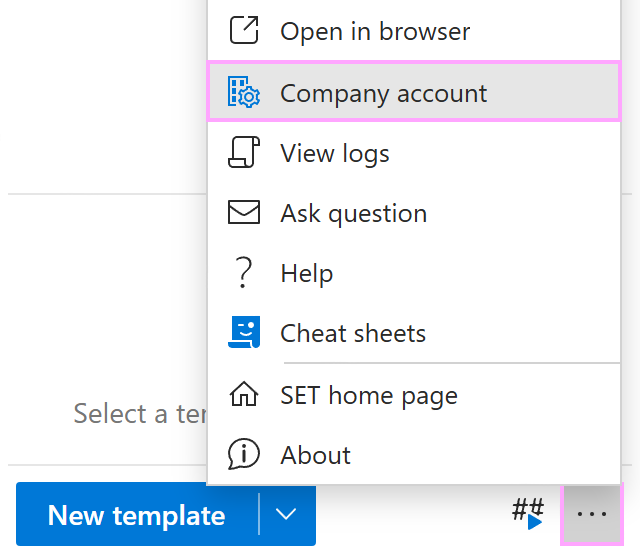
In the Shared Email Templates pane in Outlook, go to the More (…) menu and select Company account.
In the Shared Email Templates app in your default browser, go to the Users section.
Select users, and then select Edit properties.

To hide My templates, Signatures, or Mail merge, select the corresponding checkboxes.
