
Shared Email Templates
How to edit datasets
In this article
Editing a simple dataset #
In the Shared Email Templates pane in Outlook, right-click the simple dataset you want to modify, and then select Edit in browser.
Make changes to the dataset in the Shared Email Templates app, which automatically opens in your default browser.
When you’re ready, select Save.
Editing an Excel-based dataset #
In the Shared Email Templates pane in Outlook, right-click the Excel-based dataset you want to modify, and then select Edit in browser.
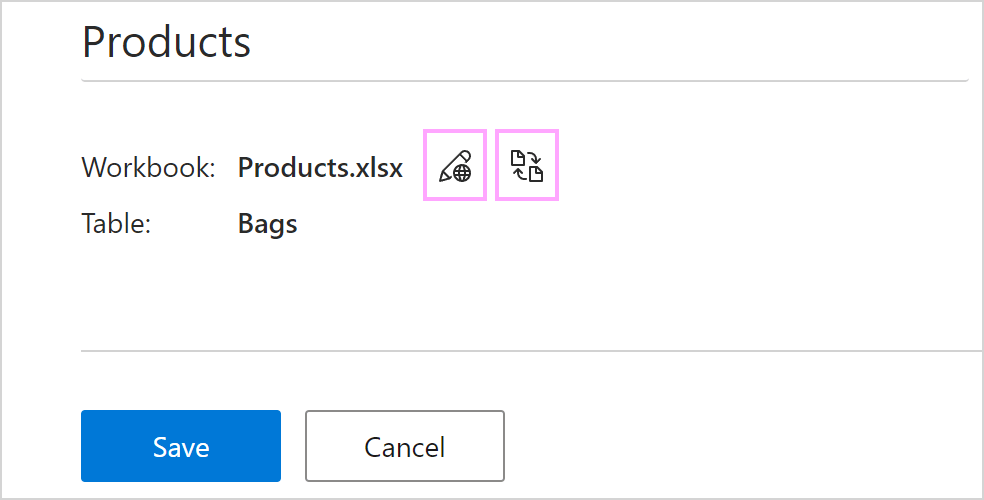
In the Shared Email Templates app in your default browser, use the buttons shown in the screenshot below to open or change the workbook.
When you’re finished with the changes, select Save.