
Shared Email Templates
How to join an encrypted team
In this article
Encrypted teams are marked with a red key icon. To get access to their templates, you’ll need a password from your company account admin.
Steps to follow #
In the Shared Email Templates pane in Outlook, select the encrypted team you want to join.
Enter your team password into the Encrypted templates dialog that will appear.
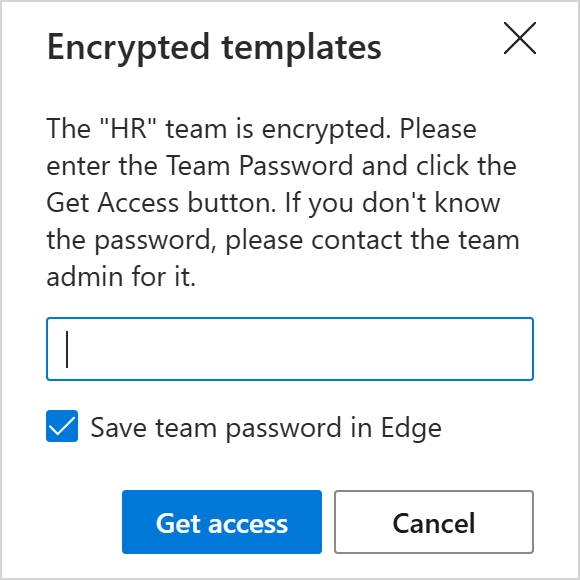
Select the Get access button.
Now you’re part of the encrypted team and can use its templates.