Shared Email Templates
User profile properties
In this article
Predefined user profile properties #
- Photo
- UserName (only in accounts created by signing up with email)
- FirstName
- LastName
- FullName
- Birthday
- EmailAddress
- LicenseKey
How to create custom user profile properties #
These are the steps to follow to create a custom user profile property:
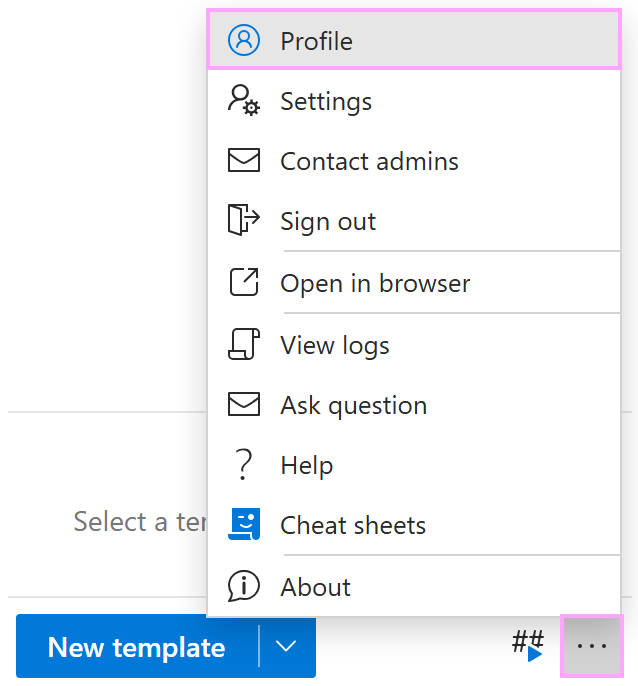
In the lower-right corner of the add-in pane in Outlook, select the More (…) button, and then select Profile.
Next to My properties, select the
 Edit properties button.
At the bottom of the add-in pane, select Add property.
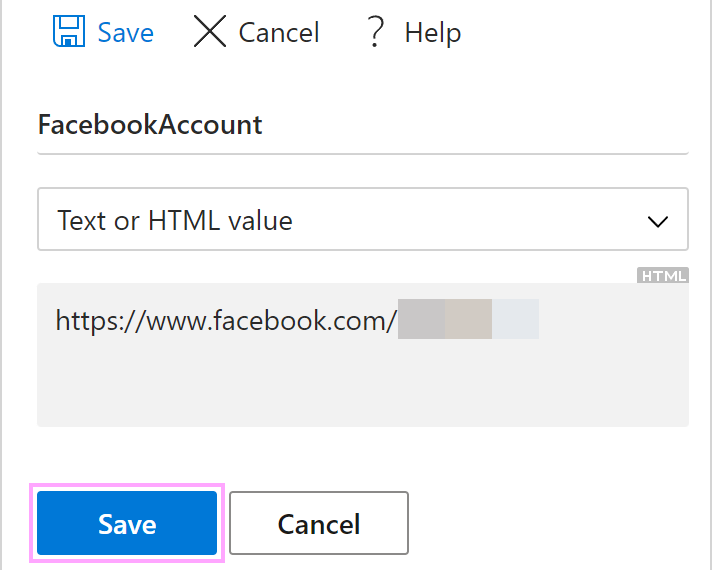
Enter the name and the value of the new property.
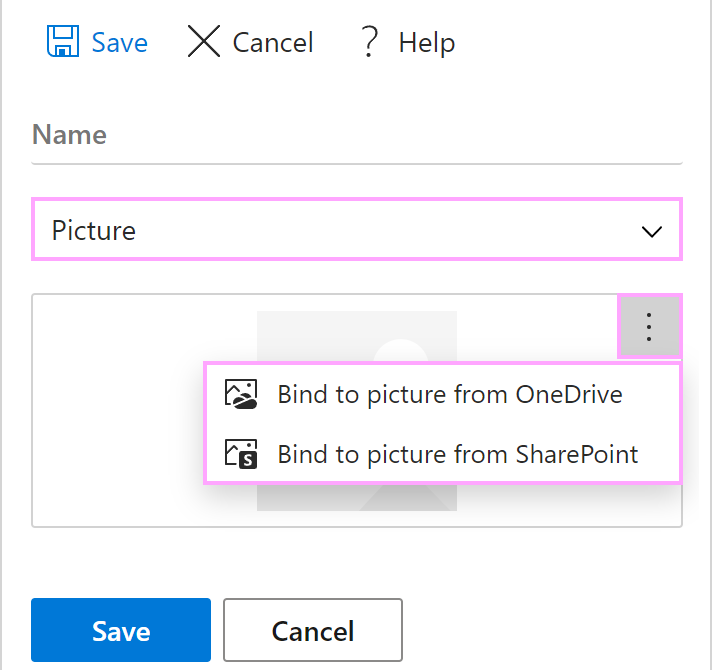
If you need a picture as a property, select Picture, then open the More menu, and bind the property to the corresponding picture on your OneDrive or SharePoint.
Select Save.
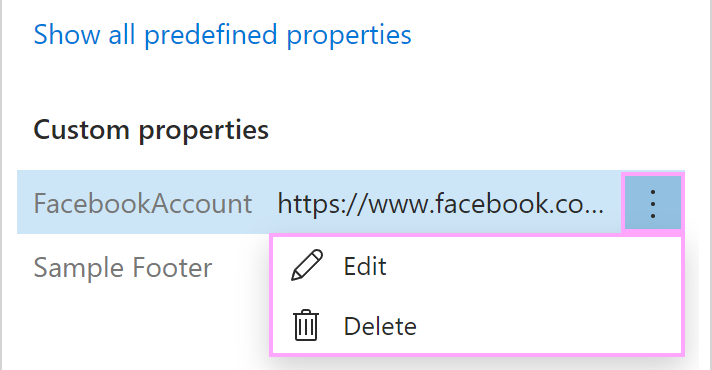
The created property will appear in the Custom properties section. To edit or delete the property, open the More menu, and then select the option you need.