
Shared Email Templates
Create folders for your Outlook email templates

To create a folder for Outlook email templates, follow the steps below.
In the Shared Email Templates pane in Outlook, right-click My templates, a team (Editor permissions are required), or a subfolder, and then select New folder.
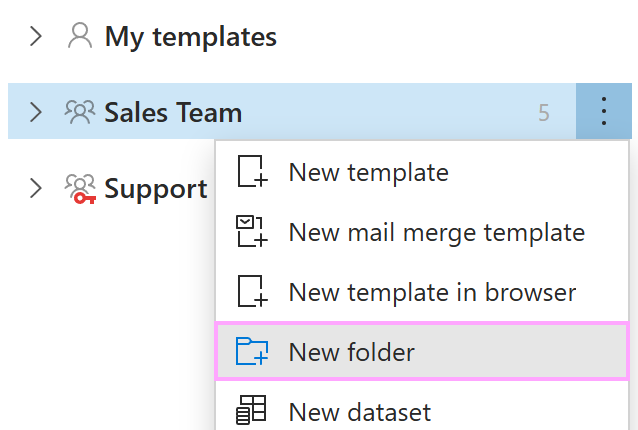
Enter the name of your new folder, add a description if you want to, and then click Save.
To copy, move, edit, rename, or delete the folder, right-click it and select the corresponding option from the menu.