Shared Email Templates
DateLocale property
To set a default language tag for dates in your shared email templates for Outlook, use the DateLocale property.
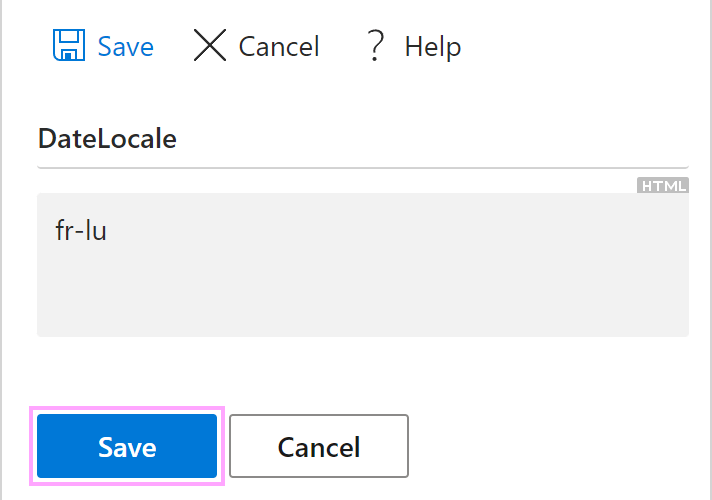
If the language tag is intended for your team templates, add DateLocale as a custom team property. If it’s for your personal templates only, add DateLocale to your profile properties. If you’re a company account admin, you can also add DateLocale to your company account properties.
You can find the necessary language and country on the Supported locale codes page on the Microsoft Learn website, and then enter the corresponding tag from the “Code” column as a property value. For example, this code refers to the French language spoken in Luxembourg: “fr-lu”.