Create and use Outlook email template shortcuts
In this article
You can create template shortcuts for new and existing Outlook email templates and use these shortcuts as building blocks when composing email messages or creating other templates.

Add a shortcut to a new template #
Start creating a new email template.
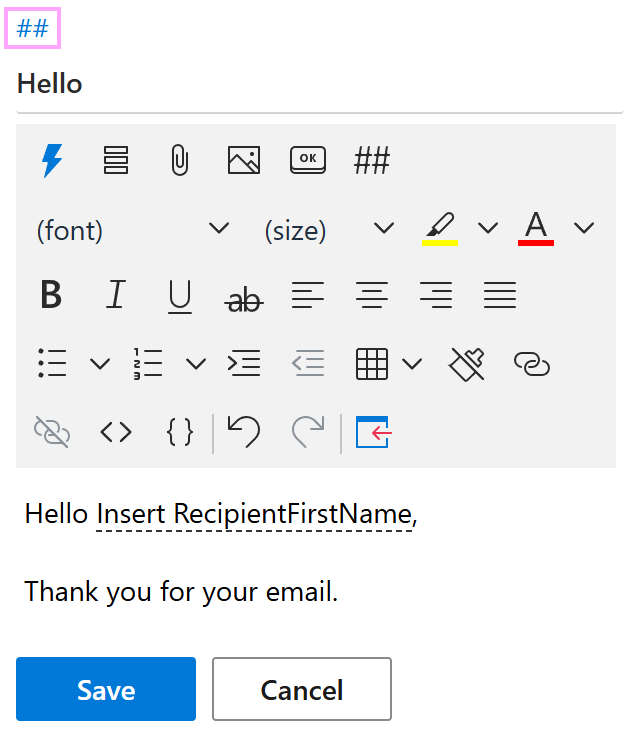
When your template is ready, click the two hash signs (##) above the template name.
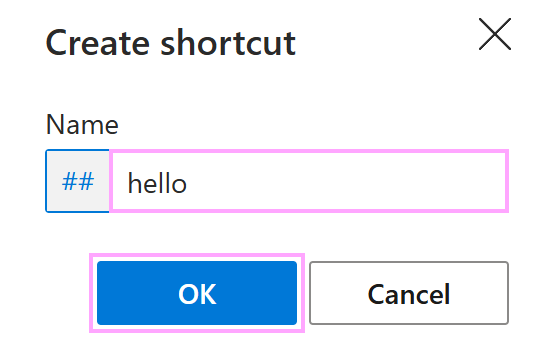
In the Create shortcut dialog, enter a name for your template shortcut, and then select OK.
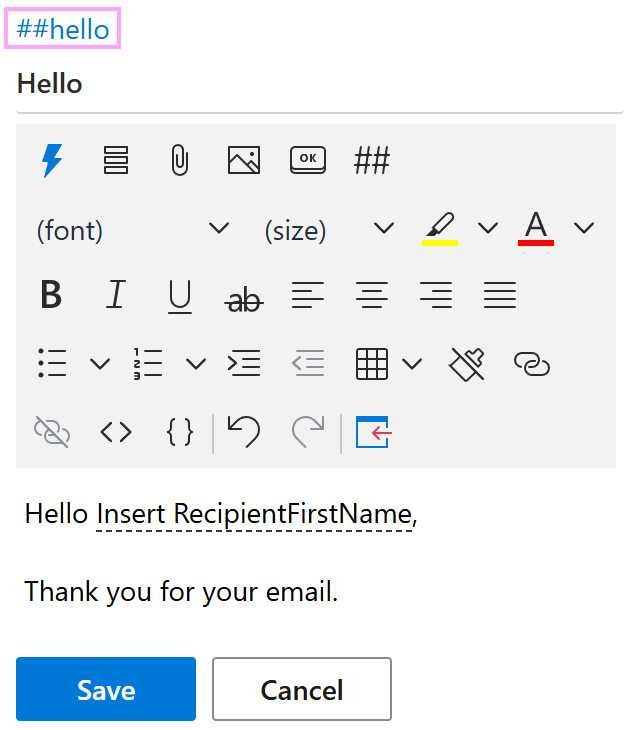
The template shortcut is above the template name now. Select Save.
Add a shortcut to an existing template #
Select a message template, and then click the two hash signs (##) in the template preview.
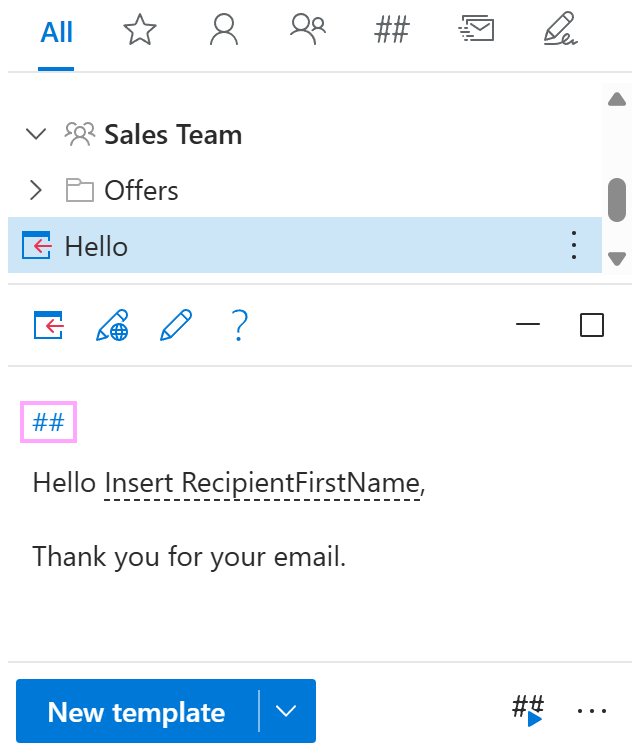
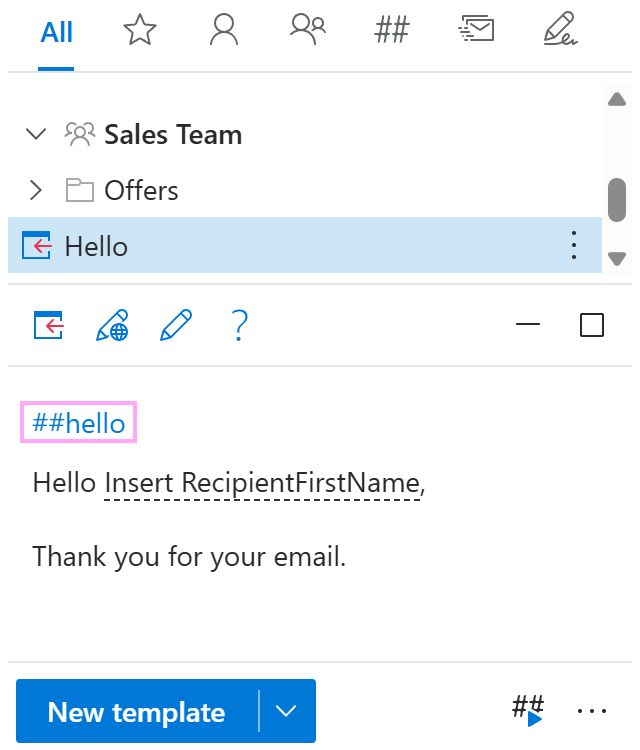
The Create shortcut dialog will appear. Enter a name for your template shortcut. When you’re done, select OK.
The template shortcut will appear in the template preview.
Use shortcuts directly in Outlook email messages #
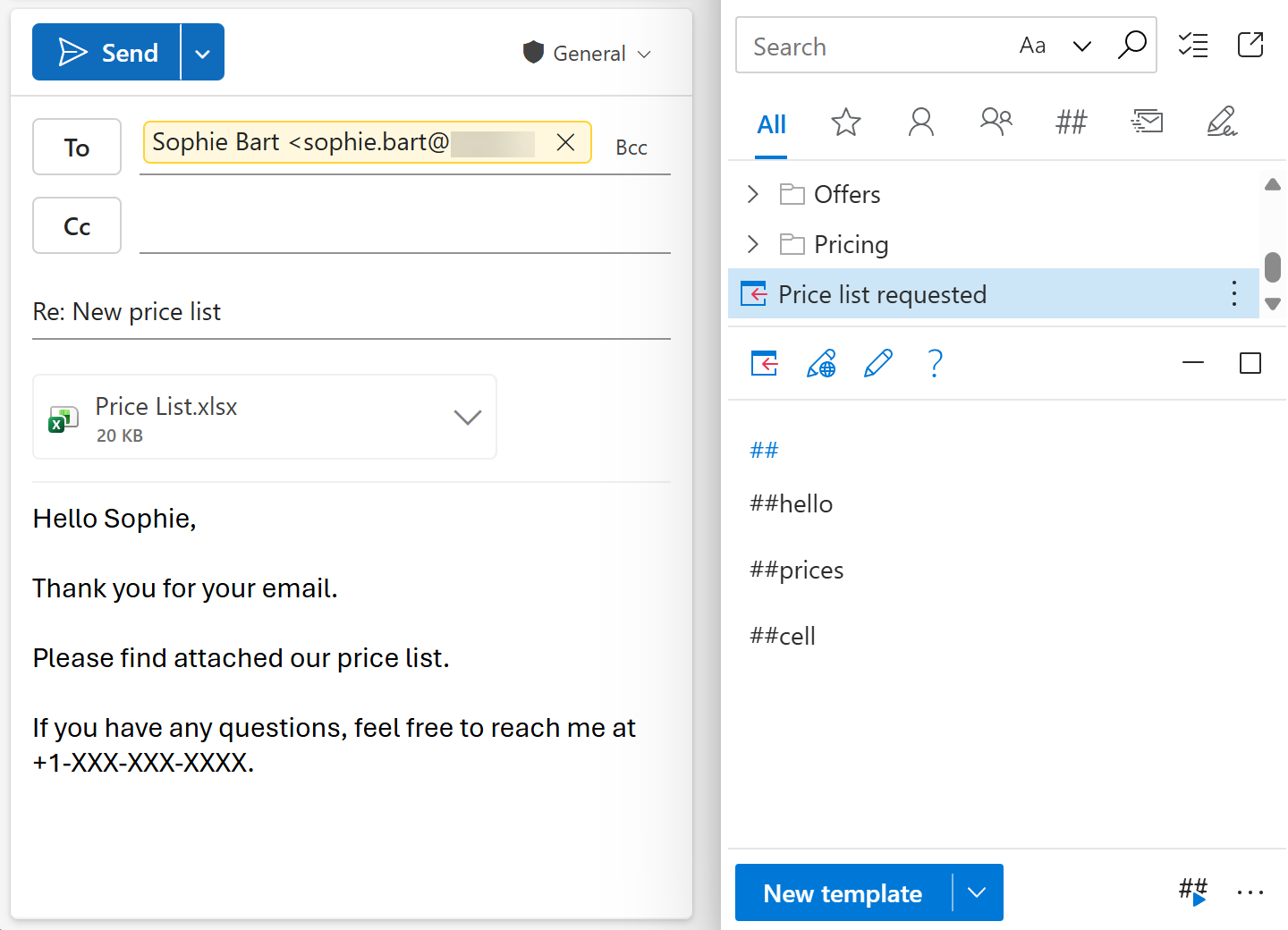
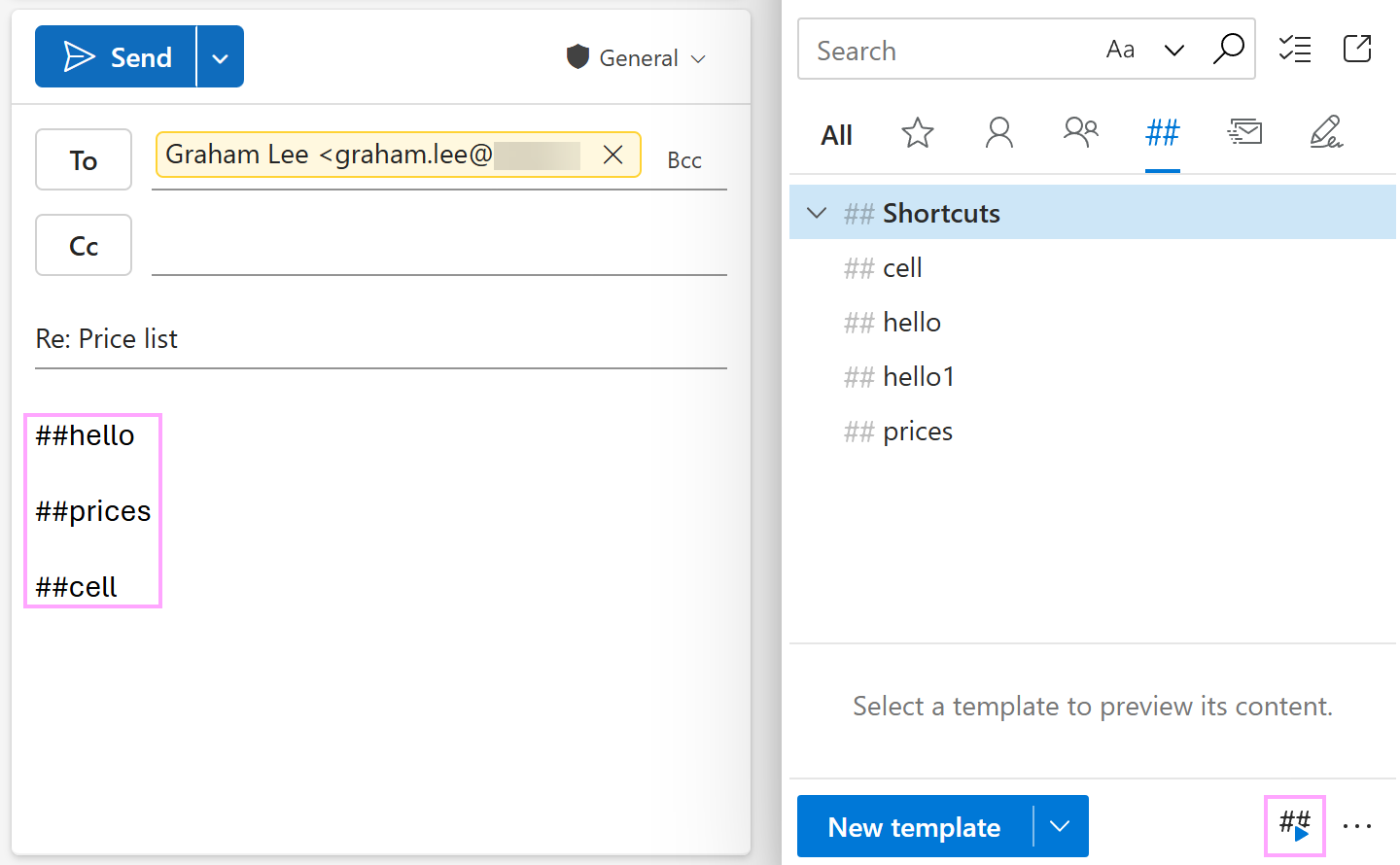
In the message body, type names of the template shortcuts you want to use, including hash signs (##).
In the lower-right corner of the Shared Email Templates pane, select the Handle shortcuts button.
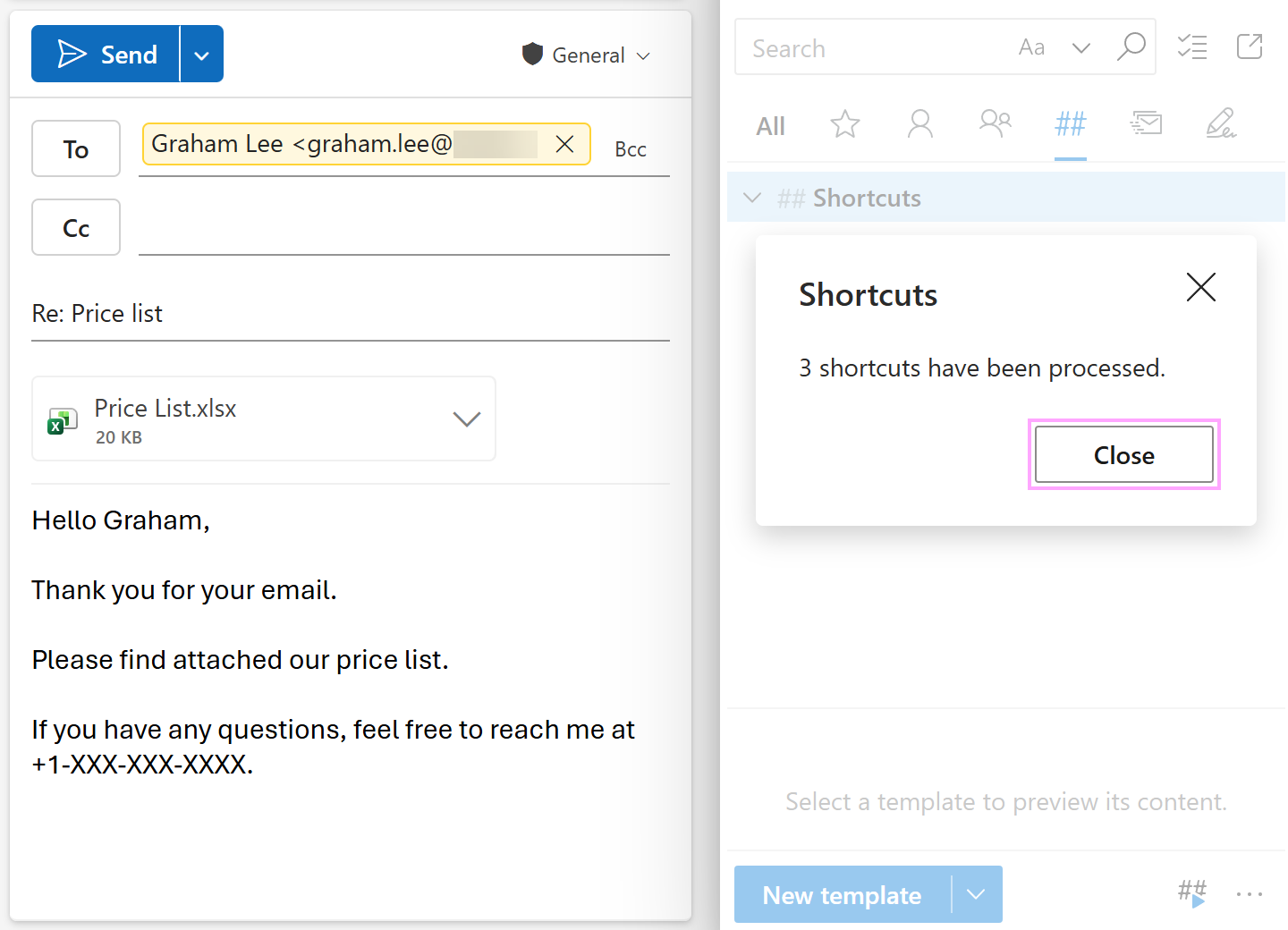
As soon as the shortcuts are processed, the content of the corresponding templates appears in the email message.
Use shortcuts in templates #
In the Outlook email template that you’re creating or editing, select the
 Insert shortcut button on the template editor toolbar.
From the list of available shortcuts, select the one you need.
After entering all the necessary shortcuts, save your template.
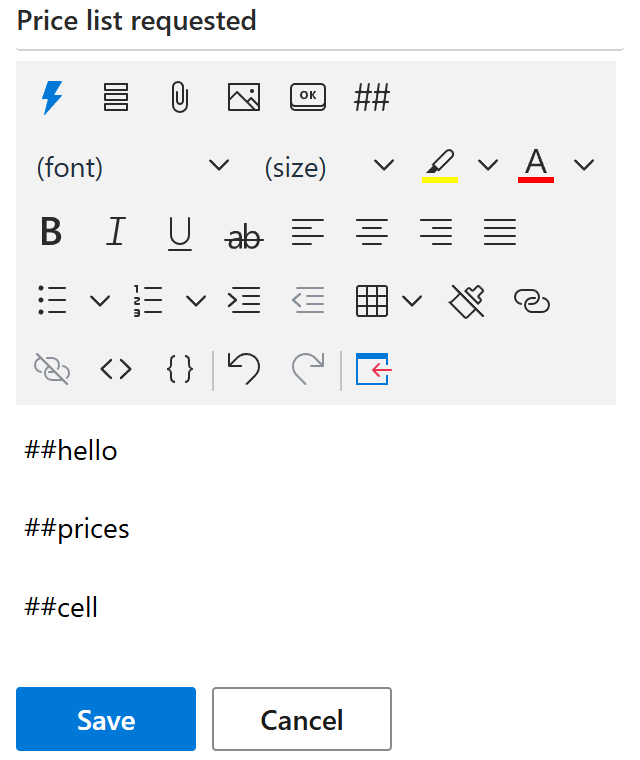
When such a template is inserted into an Outlook email message, the content of the corresponding templates appears there.