Shared Email Templates
Manage template shortcuts
In this article
Where to find all your template shortcuts #
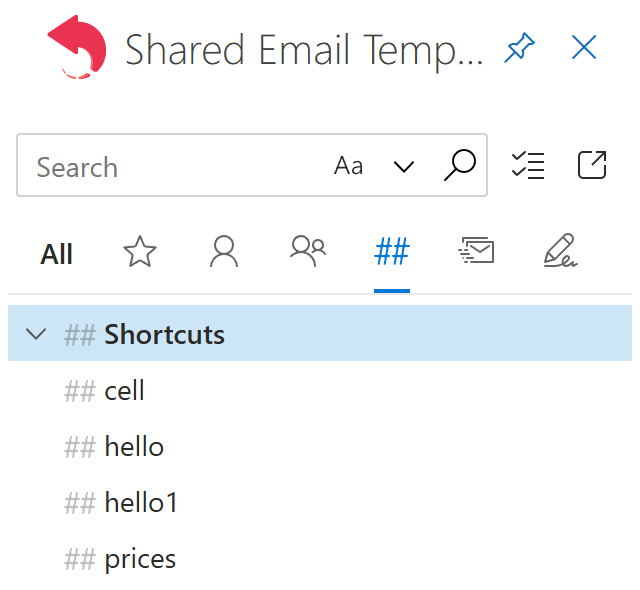
To see all your template shortcuts, go to the Shortcuts tab at the top of the Shared Email Templates pane in Outlook.
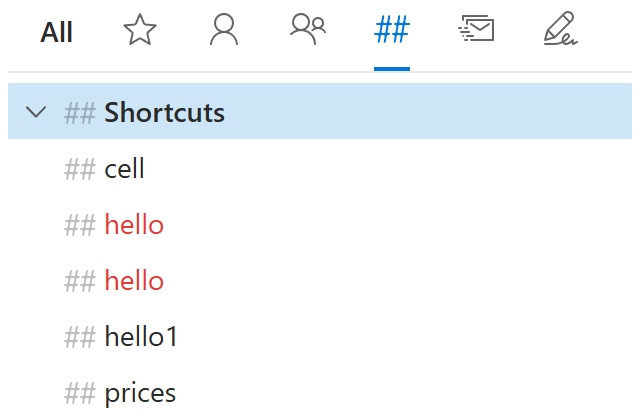
Template shortcuts that have the same name are shown in red.
How to change a template shortcut #
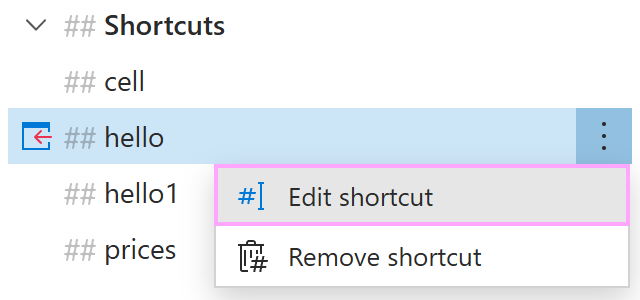
On the Shortcuts tab, right-click a template shortcut, and then select Edit shortcut.
Change the name of the shortcut. When you’re done, select OK.
How to remove a template shortcut #
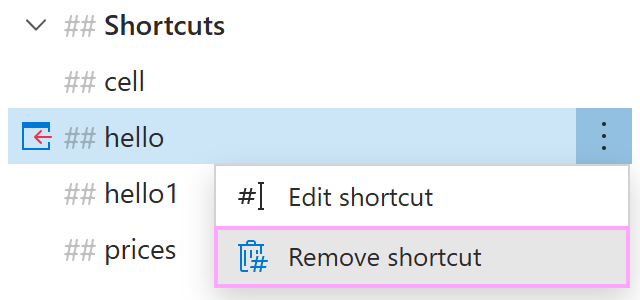
On the Shortcuts tab, right-click a template shortcut, and then select Remove shortcut.