
Shared Email Templates
Team templates are not visible
Issue: I can’t see team templates.
Possible causes:
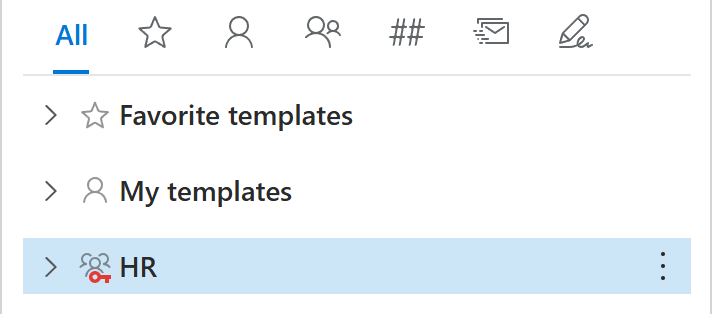
The team is encrypted. In that case, the key icon next to the team name is red, and you need to enter the team password to access the team templates.
If only some team templates are missing, they might have been deleted or moved to another folder.
Solution:
- If you need access to an encrypted team, contact your Shared Email Templates company account admin and request the team password. Then select the team and enter the team password in the dialog that will appear.
- If only some team templates are missing, check the Deleted Items folder. You can also ask teammates with Editor permissions if they deleted or moved the templates you’re looking for.