
Shared Email Templates
Troubleshooting: Outdated Microsoft Office version
Issue: I get the “Outdated version of Microsoft Office” error.
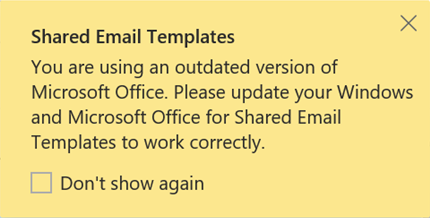
Cause: Your Microsoft Office version is out of date and some add-in features might not work.
Solution:
- In Windows, go to Settings > Windows Update > Advanced options.
- Turn on Receive updates for other Microsoft products.
- Install all available Windows updates.
- Check for and install available Office updates.