
How-to guides on Outlook email & signature templates
Outlook email templates: All apps in one guide
Confused about email templates in Outlook? Discover which templates are available for classic, new, and web apps, learn their capabilities, differences, advantages and limitations, and get clear answers to the most frequently asked questions.
Continue reading →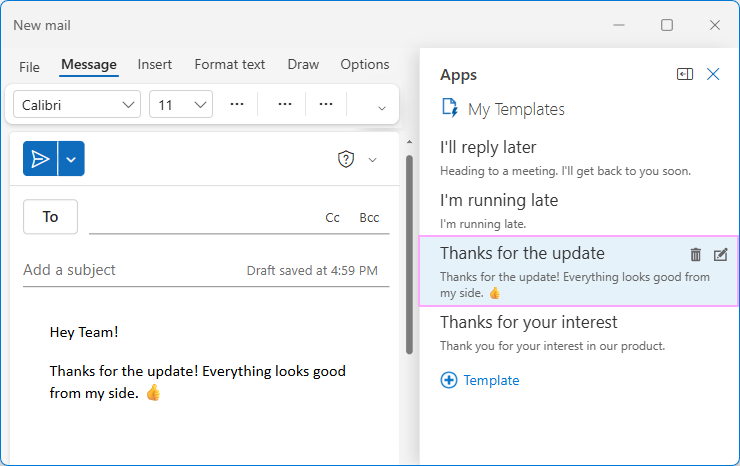
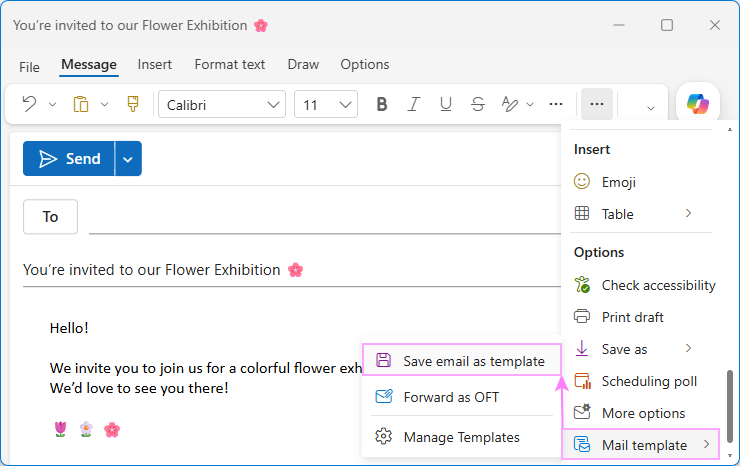
How to create and use email templates in Outlook
Step-by-step tutorial on how to make, save and use email templates in every Outlook version. Plus, a couple of useful tips on how to personalize your templates for each recipient and share them with your teammates or with all users in your organization.
Continue reading →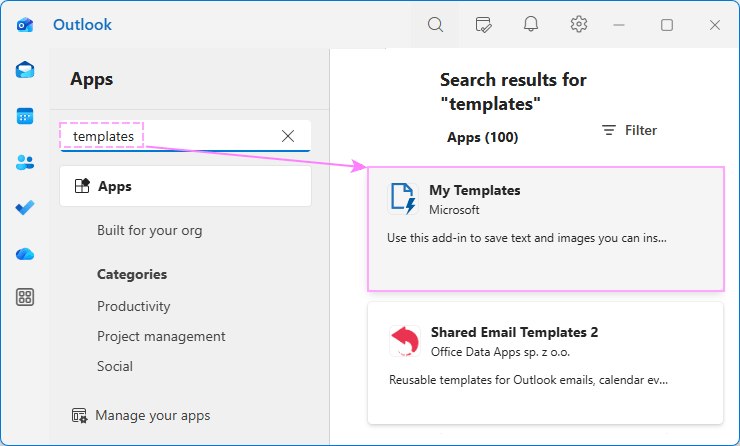
Outlook templates missing? Working solutions to get them back
When email templates suddenly disappear from Outlook, there are a few possible strategies to resolve the problem. You could try reaching out to Microsoft support and spend countless hours in AI loops attempting to talk to a human. You could hire an IT consultant, then hire a translator to explain what they actually said. Or, you can read this guide. It breaks down the most common reasons in simple terms and provides clear practical recommendations to get your templates back in Outlook classic, new and web.
Continue reading →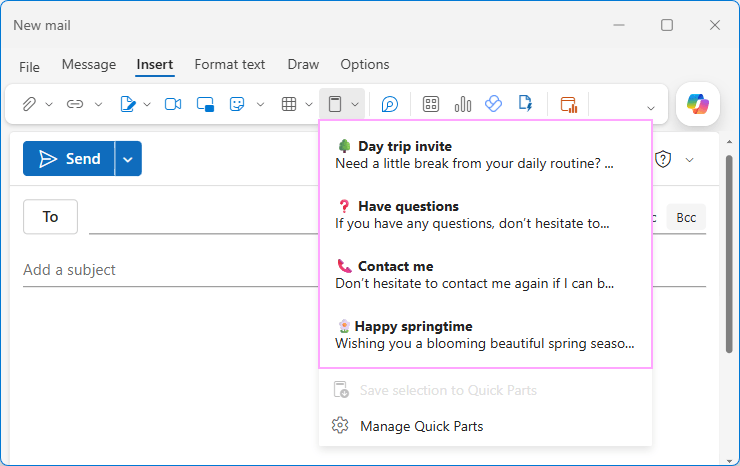
Outlook Quick Parts as alternative to email templates
Every Outlook user knows that email templates can save an enormous amount of time on routine correspondence. But did you know that it isn't the only option available? For reusable pieces of email content, Outlook offers another time-saving feature called Quick Parts. This guide provides clear and concise instructions on how to set up and use Quick Parts in every version of Outlook, explains how they compare with email templates, and when each option works best.
Continue reading →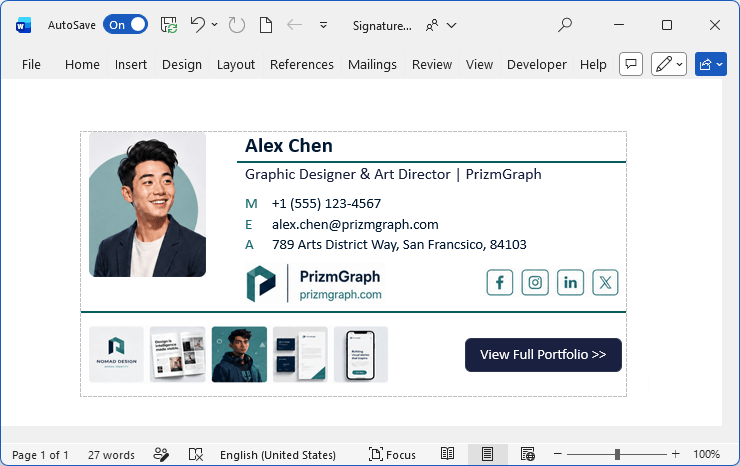
Create a professional email signature for Outlook
When it comes to creating an effective email signature, there are plenty of online generators to ease the job. While many let you design a signature for free, exporting it to Outlook is often a different story. You will either need to pay for the option or work around certain limitations. The good news is that you can do the job nicely in Word without any third-party tools. This guide will walk you through the process step by step, from setting up the layout to creating a modern, well-structured design.
Continue reading →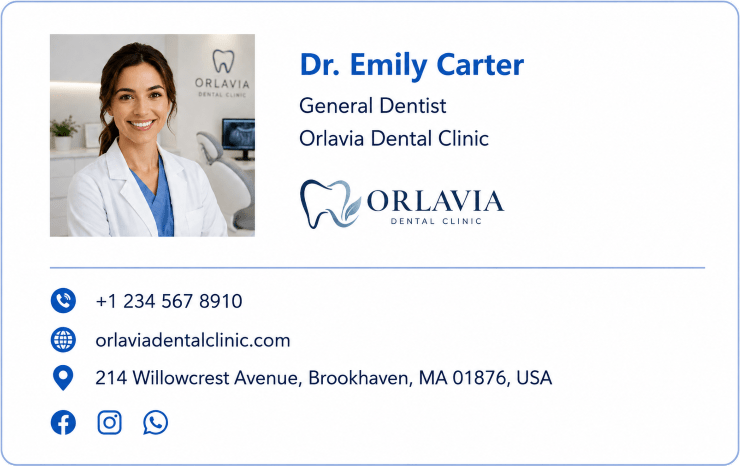
Email signature examples for individuals, teams and companies
In this article, you'll find plenty of professional email signature examples, from classic corporate layouts to more colorful designs with banners, social links, and call-to-action buttons. Explore different styles and find one that works best for your role, industry, and communication goals.
Continue reading →